
Find My Perfect Size
The Kleep button visibility on the PDP is managed automatically during cartridge initialization:- Enable
isKleepRecommendationEnabled— this is the master switch. - The cartridge dynamically shows/hides the button via middleware on the
Product-Showcontroller action. - An endpoint call to Kleep with the
ProductIDdetermines whether the button appears. - Customize visibility conditions in your code to match your business rules.
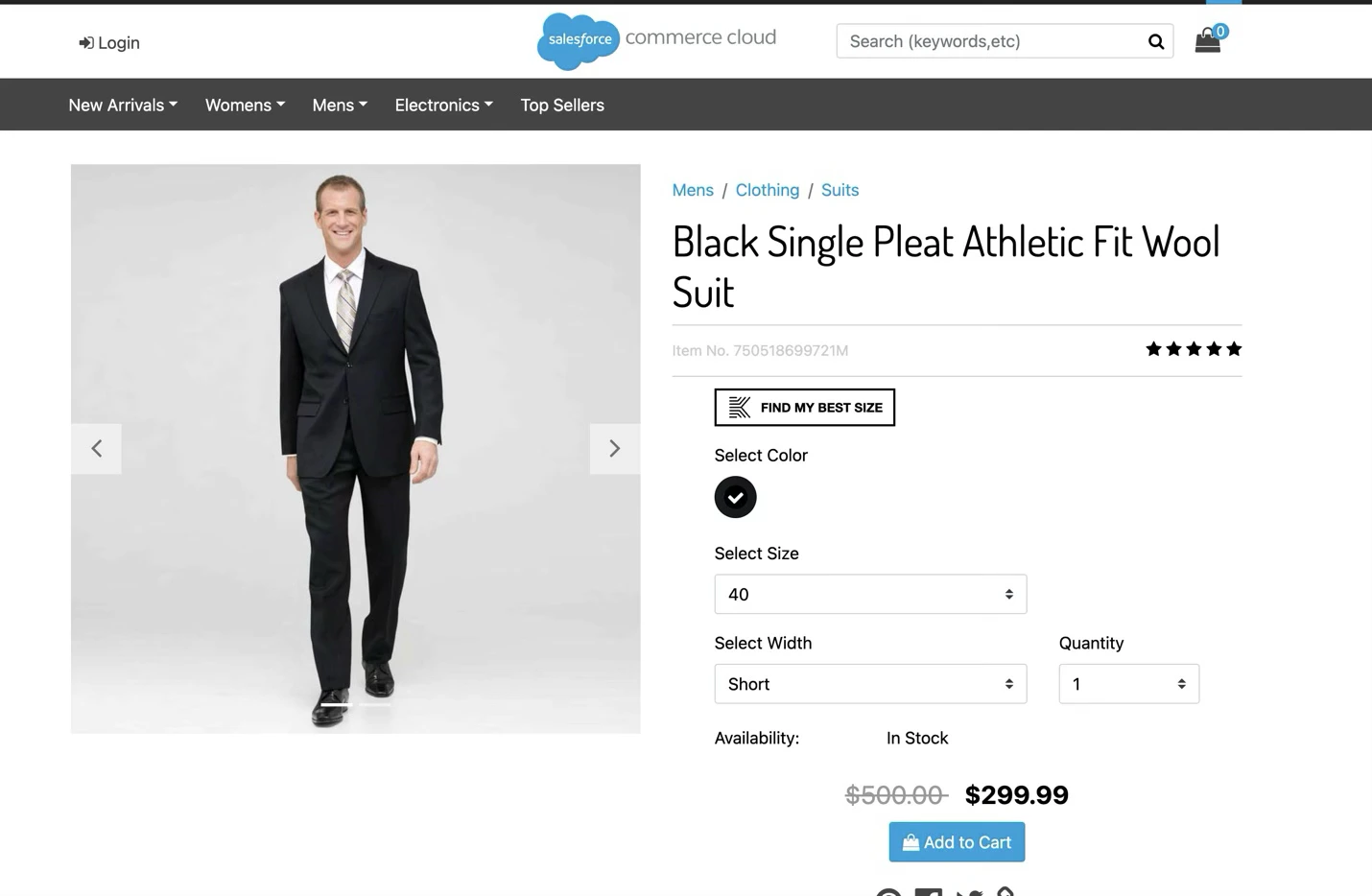
kleepRetailerUUID site preference, passed as the domain parameter), and language.
Recommended Size → Add to Cart
After the sizing flow, the user receives a recommendation. Clicking “Add to cart” sends an event from the iFrame and the selected size is added to cart.Dynamic Button Label
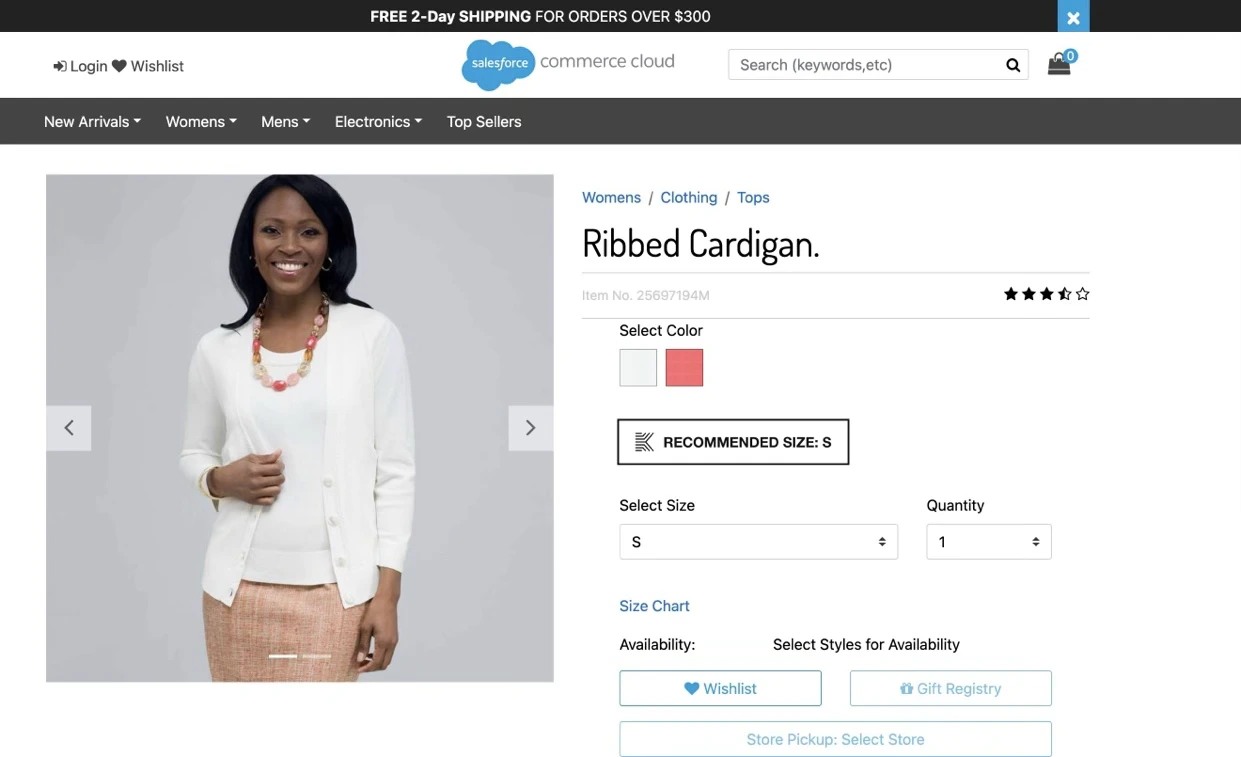
After closing the popin, the button label updates:- Before: “Find My Perfect Size”
- After: “Recommended Size: S”
Tracking
Analytics data is sent to Kleep automatically when:- A product is viewed (PDP load or variation change)
- A product is added to cart (PDP)
- An order reaches the end of checkout
- An order is confirmed