
Prerequisites — before implementing AI Search, complete the Cookie consent and Installation steps on the JS Library page. Kleep must not load until the visitor has consented via your CMP, and the library must be loaded site-wide.
Kleep AI Search integrates a search component into your storefront, powered by Kleep’s AI algorithms. Product Feeds must be created and deployed before you start this integration — please confirm this with your Kleep representative before implementing.
What AI Search delivers

A welcome page with first insights on your catalogue — most-searched queries and trends
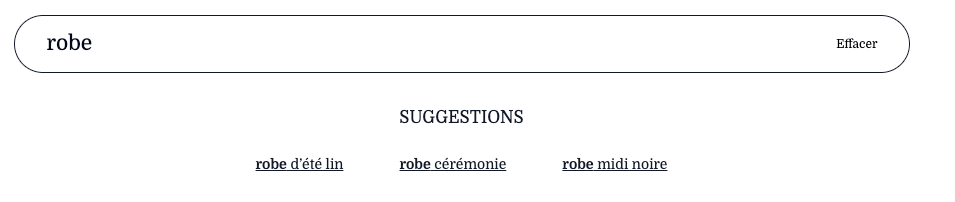
Auto-suggestions appear as the shopper types. The complete list of suggestions is managed in the Kleep Search AI Dashboard — you can add, update, or remove them there.
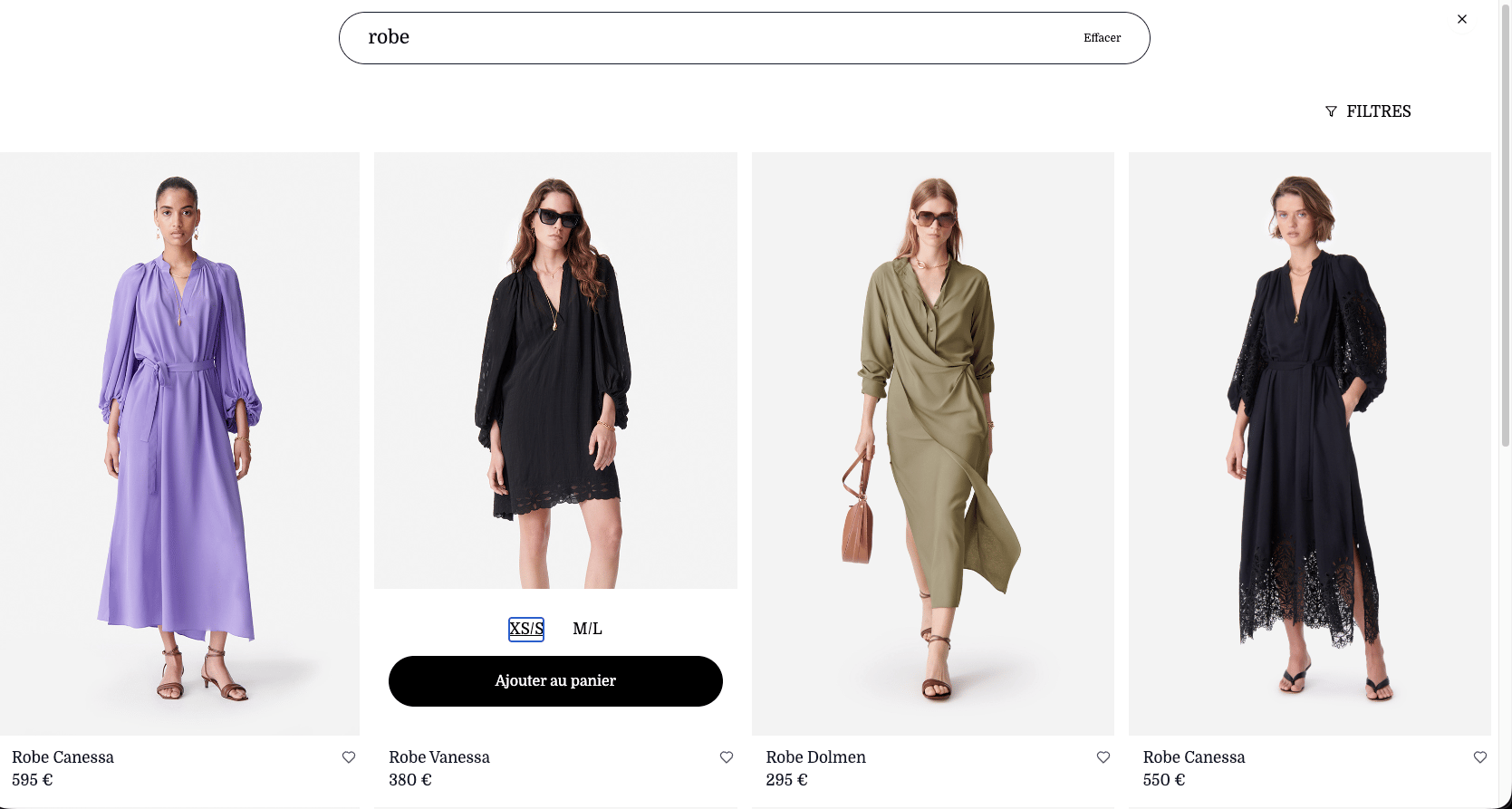
A product-list page with add-to-cart and wishlist actions
Add a size to the cart if it’s in stock. When the shopper taps Add to cart on a size, your
addToCart callback runs with the variant reference.- Input — reference of the variant (size) to add to the cart
- Action — add the reference to the cart like a regular add-to-cart
- Output —
trueon success,falseotherwise
Add / remove a product from the wishlist. When the shopper taps the heart icon, your
toggleWishlist callback runs with the product reference.- Input — reference of the product being toggled
- Action — if the reference is in the wishlist, remove it; if not, add it
- Output —
trueif the reference is now in the wishlist,falseotherwise
Method: kleep.search
Step 1: Create the container
Add the div where the search component should be attached:
kleep.search.init with your account credentials:
anonKey and retailerId are provided by your Kleep representative during onboarding.kleep.search.renderBox with the container ID and your callback implementations:
Parameters & Callbacks
Full example with callbacks
Additional Prestashop permissions for Search
Additional Prestashop permissions for Search
If you’re using AI Search on a Prestashop store, your Kleep webservice key needs a few extra
GET permissions on top of the ones listed in the Prestashop integration guide: